Your data, in your other systems. An API key lets a system you run, such as a website, a spreadsheet, a report or a warehouse tool, read your Rental HQ account: availability, the catalogue, contacts and jobs. A key reads unless you make it to send opportunities in, and then it can create and update opportunities and nothing else.
A key, or an assistant?
- For an AI assistant such as Claude or ChatGPT, you do not need a key: connect it and sign in as yourself. See AI Assistants.
- For a system that runs on its own, with nobody there to sign in, make a key. A key acts for the company, not for a person.
Making a key
Keys are made by owners and administrators.
- Go to Settings → API and assistants in Rental HQ, or Settings → API and Assistants in the Mac app.
- Under API keys, click Make a key.
- Name it for what will use it (“Website availability”, “Accounts sync”), so you know which to revoke later.
- Tick Include money only if the system needs rates and totals. On the web, tick Can create and update opportunities only if the system sends deals in, such as a website form, your CRM or Zapier. Then click Make key.

- Copy the key. It is shown once and never again: Rental HQ keeps only a fingerprint of it. If you lose it, revoke it and make another.

The key is then in the list, with the start of it to tell keys apart, whether it includes money or can write, and when it was last used.

Money
A key without money sees everything else, with rates, prices, totals and costs left empty. A key cannot be changed once made, so to add or remove money, make a new key and revoke the old one. The list of keys marks which include money.
Sending opportunities in
A key that can create and update opportunities lets another system make an opportunity with its client, venue, dates and lines, and update it later by the reference your own system gave it. The same deal sent twice lands once, and lines you have changed in Rental HQ stay as you left them. A client or venue it names is found, or made when there is none. It changes nothing else, and it deletes nothing. A key that can write but has no money leaves out any values or rates it is sent. The developer documentation sets out the fields.
Crew bookings and vehicles
A key can read your crew bookings and your vans, for a scheduling or task system that needs to know who is working where. On the web, tick these when you make the key:
- Include crew bookings: who is booked on which job, their role, dates and times, by name. What they are paid only with money as well
- Include vehicles: your fleet, and which van is booked when, on a job, held or off the road. Drivers are named only with crew bookings as well
- Include email addresses: the email address of each person on a crew booking or driving a van. It needs crew bookings, and is best left off unless the system needs to contact them
Each is read only: bookings are made and changed in Rental HQ. The list of keys marks each key with Crew, Vehicles or Email addresses. A key you made before these choices reads none of them, and everything it already read is unchanged; to add them, make a new key and revoke the old one.
Using it
The key goes in a header on every request to https://api.rentalhq.app/v1:
curl https://api.rentalhq.app/v1/products \
  -H "Authorization: Bearer rhq_live_…"
The developer documentation covers every endpoint, with examples, the allowance of requests each key has, and how errors come back. Whoever builds your integration will want it.
Keeping keys safe
- Anyone holding a key can read what it can read. Keep it in the system that uses it, never in an email, a chat or a web page anybody can see.
- One key per system, so revoking one stops only that one.
- The list shows when each key was last used, how many calls it made in the last 30 days, and who made it. A key nobody recognises, or one busy when nothing should be using it, is one to revoke.
Revoking a key
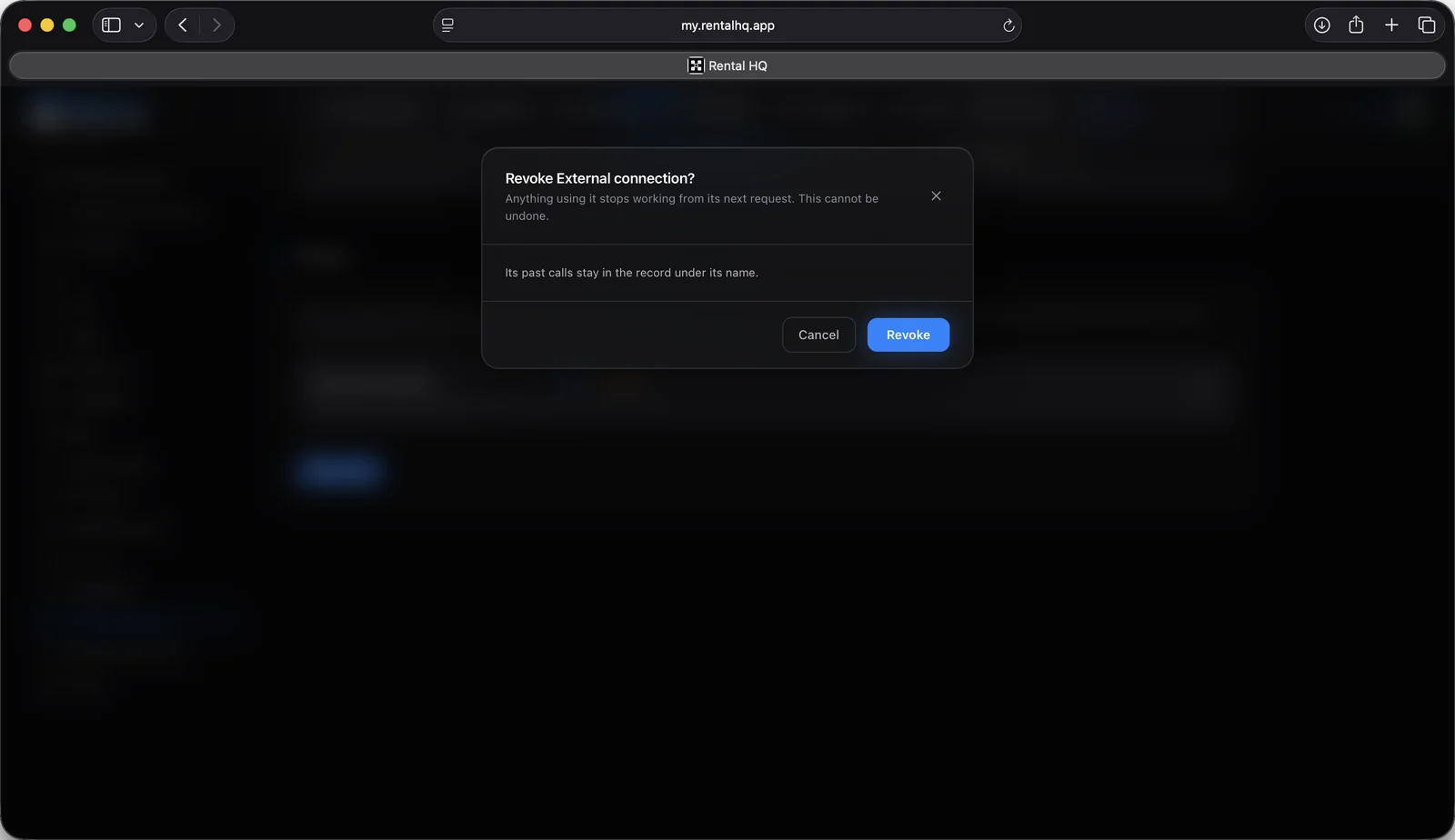
Click the bin beside a key in Settings → API and assistants and confirm. It stops working straight away, and anything using it is refused from its next request. Revoked keys are kept under the list, with the day each was revoked, so their history still reads.
The API is growing. It reads, and it creates and updates opportunities, and we are adding to it. What the people building on it ask for decides what comes next, so if your integration needs something it cannot do yet, tell us.